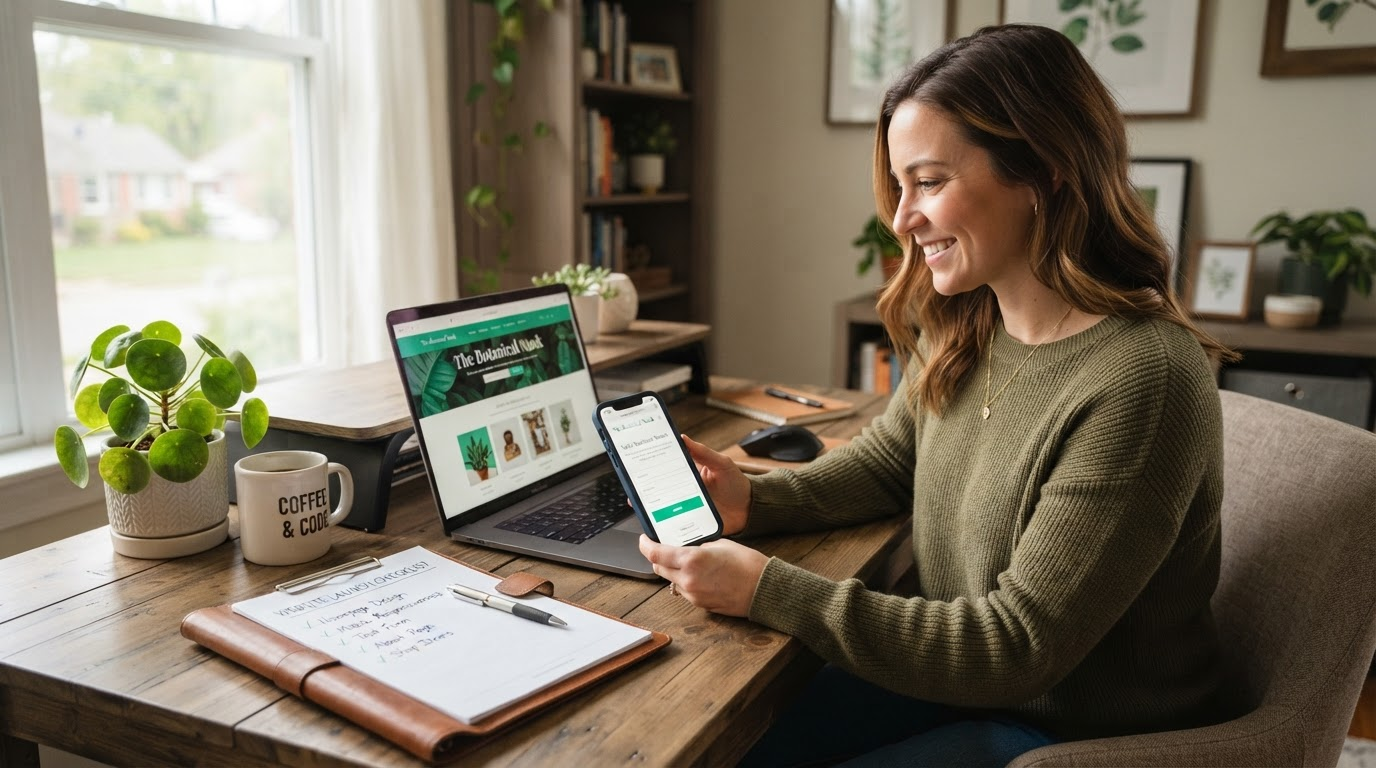
Ultimate Buildy Launch Checklist: Test Forms, Mobile Review, Publish & Market Your Site
Picture this: You've poured your heart into your Buildy AI site—sleek pages, compelling copy, that perfect color palette. You're seconds from hitting publish, buzzing with excitement. Then, a potential client fills out your contact form... and crickets. No email arrives. Or worse, your site looks like a pixelated mess on their phone. Heart sinks. Don't let that be you.
As a solopreneur or small-business owner, your website is your digital storefront. Launching it right means nailing every detail. This Buildy launch checklist is your definitive pre-launch audit—a step-by-step blueprint expanding far beyond any quick overview. We'll dive deep into testing website forms, mobile website review, publishing your site flawlessly, and firing up website launch marketing. Follow this, and you'll launch with confidence, ready to convert visitors from day one.
Grab a coffee, print this out (or save it as your launch Bible), and let's turn your Buildy site into a revenue machine.
1. Test Website Forms: Submissions, Spam Protection, and Email Magic
Forms are your site's handshake with leads. A broken one? Lost opportunities. In Buildy, forms are drag-and-drop simple, but testing ensures they perform under pressure.
Actionable Checklist for Buildy Users
- Submit Every Form: Preview your site in Buildy, fill out contact, booking, or event signup forms with real data. Check for required fields, custom validations, and thank-you pages. Test from multiple browsers—Chrome, Safari, Firefox.
- Verify Spam Protection: Buildy's reCAPTCHA or honeypot fields block bots. Submit junk data; ensure it doesn't go through. Toggle settings in your form editor to confirm.
- Test Email Deliverability: Where do submissions land? In Buildy dashboard, connect your email (Gmail, custom SMTP). Send tests to personal and business inboxes. Check spam folders. Pro tip: Use tools like Mail-Tester.com for a deliverability score.
- Edge Cases: Mobile submissions, file uploads, conditional logic (e.g., "show address if yes to shipping"). Rinse and repeat.
Miss this? 70% of abandonment happens at forms. Nail it, and watch inquiries flood in.
2. Mobile Website Review: Responsive, Thumb-Friendly, Lightning-Fast
Over 60% of traffic is mobile. If your site pinches and zooms, visitors bounce. Buildy's responsive design shines, but a manual review catches quirks.
Your Mobile Audit Drill
- Breakpoints Check: Use Buildy's device preview (desktop, tablet, phone). Scan for overlaps, cut-off text, or hidden nav at 320px, 768px, 1024px.
- Thumb-Friendly CTAs: Buttons should be 44x44px min. Ensure "Buy Now" or "Contact" are fat-finger proof, with 12px+ padding.
- Image and Load Speed: Lazy-load images? Compress via Buildy optimizer. Test with Google's Mobile-Friendly Tool—aim for under 3-second loads.
- Real-World Test: Open on your phone, scroll incognito. Tap every link. Feel the flow.
A mobile glitch isn't a hiccup—it's a hard stop for impatient scrollers.
3. Publish Website: Domain, SEO Essentials, and Tracking Pixels
Publishing in Buildy is one-click, but pros polish first. Connect your domain, SEO armor up, and track everything.
Publish Perfection Steps
- Domain Connection: In Buildy settings, point your custom domain (e.g., yourname.com). Update DNS at GoDaddy/Namecheap. Verify SSL auto-activates.
- SEO Title & Meta: Edit page SEO in Buildy. Craft unique titles (<60 chars), metas (<160). Include keywords like your niche.
- OG Images & Favicon: Upload 1200x630px OG for social shares. Set 32x32 favicon in site settings—brand consistency wins.
- Analytics & Pixels: Paste Google Analytics 4, Facebook Pixel, or Google Tag Manager codes via Buildy integrations. Test in preview.
Hit publish. Refresh live URL. Celebrate—then monitor.
4. Website Launch Marketing: Announce, Collect Proof, Build Momentum
Launch isn't the end—it's ignition. Seed buzz with smart first moves tailored for solopreneurs.
- Announce Boldly: Email your list: "My new site is live—first 10 visitors get 20% off." Link newsletter signup prominently.
- Social Proof Rush: Share launch post on LinkedIn/Twitter/Instagram. Tag collaborators. Add testimonials page early.
- Ask for Reviews: DM warm contacts: "Loving feedback on my new Buildy site—your honest review means the world." Aim for first three on Google or Trustpilot.
- Amplify: Run $50 Facebook ad to site. Submit to directories like Product Hunt if applicable.
Marketing compounds. Start small, iterate fast.
Your Buildy Launch Checklist: Ready to Conquer?
You've got the ultimate Buildy launch checklist—forms tested, mobile flawless, site published, marketing humming. This isn't theory; it's your launch lifeline.
For more gems, dive into Buildy's Tips & Best Practices section. Questions? Hit Buildy support—they're wizards.
Ready to launch? Preview one last time, breathe deep, and publish. Your empire awaits. The world needs what you've built.
